It’s been a while since I last wrote – two months in fact. My reticence comes not from the relative monotony of life up my way, but from a letter I received in the mail back in June. The letter advertised symmetric gigabit fiber Internet at my location, for about $30 cheaper than I was paying Comcast for my 250mbps down / 5mbps up. I signed right up.
July came and a technician arrived to take care of installation. A prior owner had already had fiber installed, so it was just a matter of upgrading the box and deciding where the ethernet line should go. And that was the sticking point. I wanted the line to come out by the existing coax line, in the corner of my living room, so I wouldn’t have to move any of my equipment. But the technician demurred, as he wasn’t equipped to run the ethernet cable from the garage the under the crawlspace and start drilling around under there.
So I brought my router down to the garage and plugged it in, figuring I’d arrange for an electrician to come down and take care of it in short order. There were a few other things around the house that needed an electrician, anyways.
Well a month or so passed and I finally got around to actually getting an electrician over. When I got the quote I was taken aback, over $600 just to run the ethernet cable. Figured I’d eventually get around to getting a second quote, and in the meantime just carry on as I had been.
Which, by the way, wasn’t the best arrangement. Only my router made it down to the basement; my home server remained upstairs and offline, as I didn’t want it to inhale garage dust. So no Plex, no blog.
Also, no way to voice-command my smart lights, as the command-and-control hub also remained upstairs (though, now that I think of it, I could’ve just retrieved it from beneath my couch and moved it to the basement, oh well). Not only voice commands but also timed actions were down – usually my lights would turn themselves on and off at certain hours. Coming back home late at night and having to turn on lights myself reminds me of the scene in The Dark Knight Rises when Bruce Wayne comes home and Alfred isn’t there to greet him.
One positive thing did come out of the home server being knocked offline. A year or so ago I got a bit nervous about how long my home server’s hard drives had been spinning. It isn’t unheard of for such drives to start going bad about five years into service, especially if they’re spinning constantly, as mine have been. When I built my machine I got a case with room for six disks, but only filled it with three: one solid-state boot drive, and two 4TB hard drives. So I ordered two more 4TB drives, with the intention of inserting them and figuring out some means of backing up data from my first two drives to the second two. Perhaps with an rsync job added to my crontab, or making a RAID 1 array (though without a RAID controller I’d need to use software, which might slow down performance).
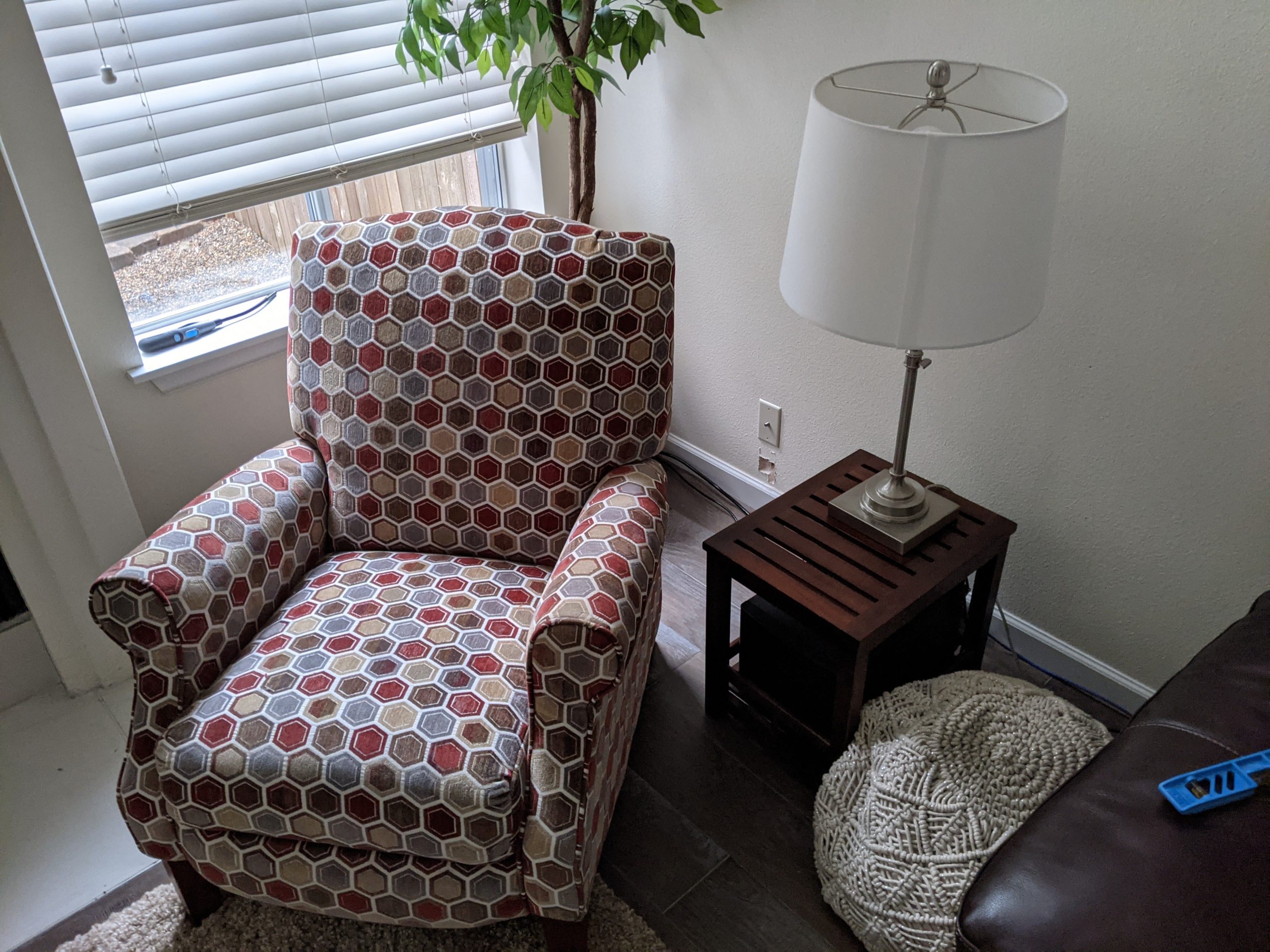
But I never could bring myself to go through all the trouble of taking the home server offline and taking apart my little pile of interconnected tech to get at the server. So the drives just sat under my corner chair for a year or so. Until I realized what a great opportunity it’d be to get it done, so I did.
Anyways, back to the task at hand. I resolved to just do the wiring job myself, rather than wait for a second quote. I arranged for Dad’s ethernet terminator tool to make its way up here with Hayden and Mattie, and eventually planned on doing something useful with it. But I kept dragging my feet, until the latest stint home (which was awesome, may address it in a follow-up blog post), where Hayden mentioned he really missed the blog. I resolved then to make like the Nike logo and Just Do It.
So on Saturday I headed to Home Depot and got some tools. A jab saw to cut a hole in the drywall, a little orange box for mounting wall panels, and an ethernet wall jack panel. I also got some cleaner and stain / sealant for my deck while I was at it. Met a fellow in the parking lot looking for handyman work by happenstance, and arranged to have him come by this week for a quote on the deck work.

First order of business was to cut the hole in the wall for the new ethernet wall plate. Upon inspection though, I saw an opportunity to avoid any wall cutting at all – I removed the existing coax wall plate and found the cable snaking through a hole in the back corner. I drilled a second hole in the box and figured I could route the ethernet cable up from above and into the new hole.
Time to head down to the crawlspace. My first time ever going down there.
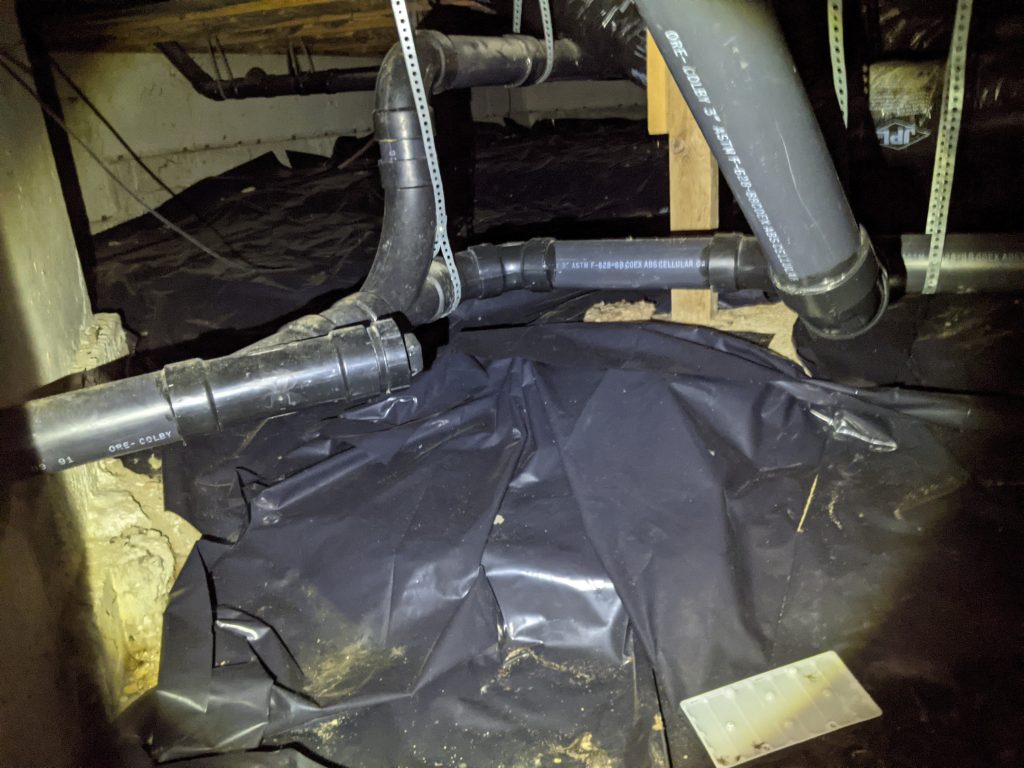
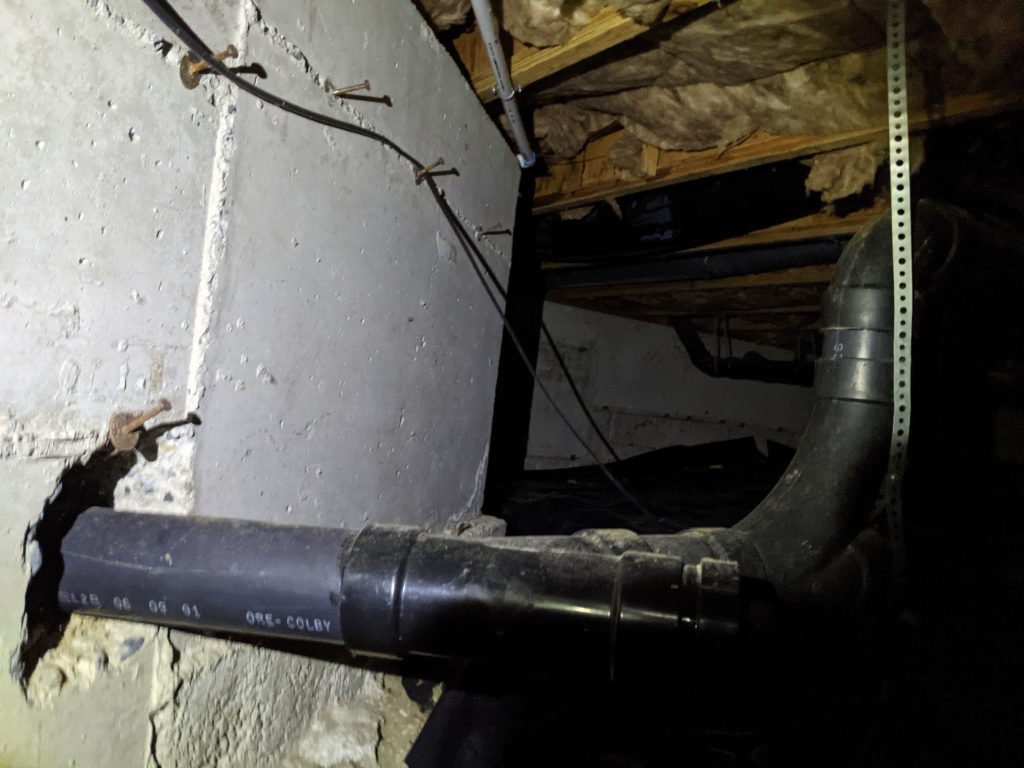
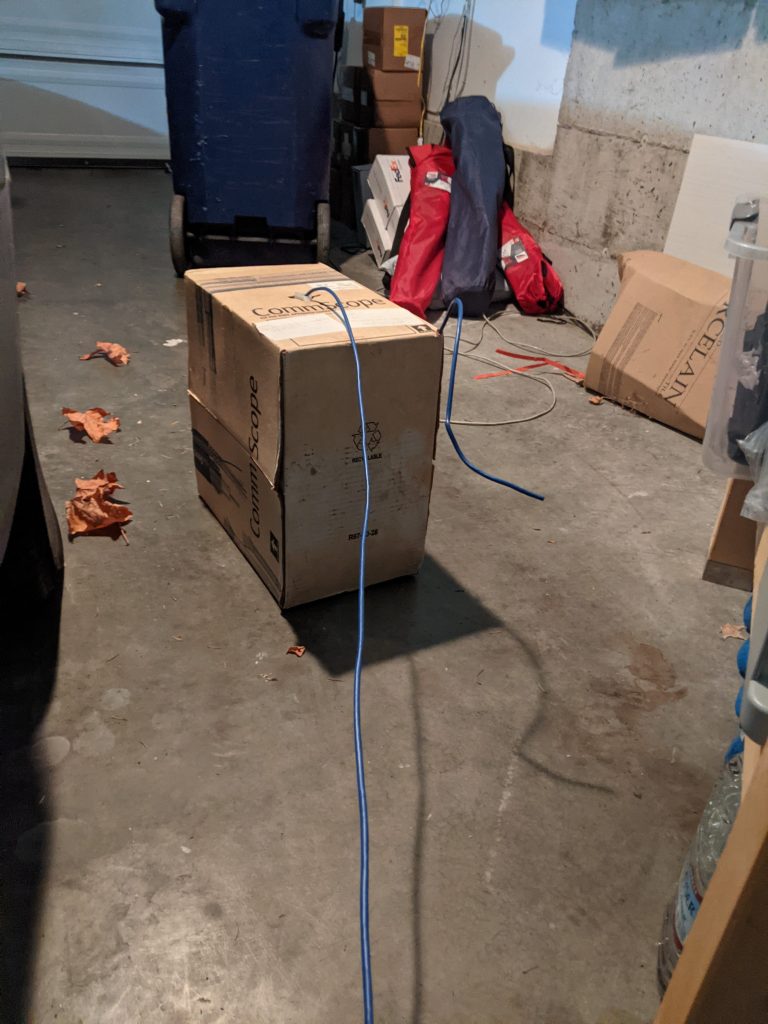
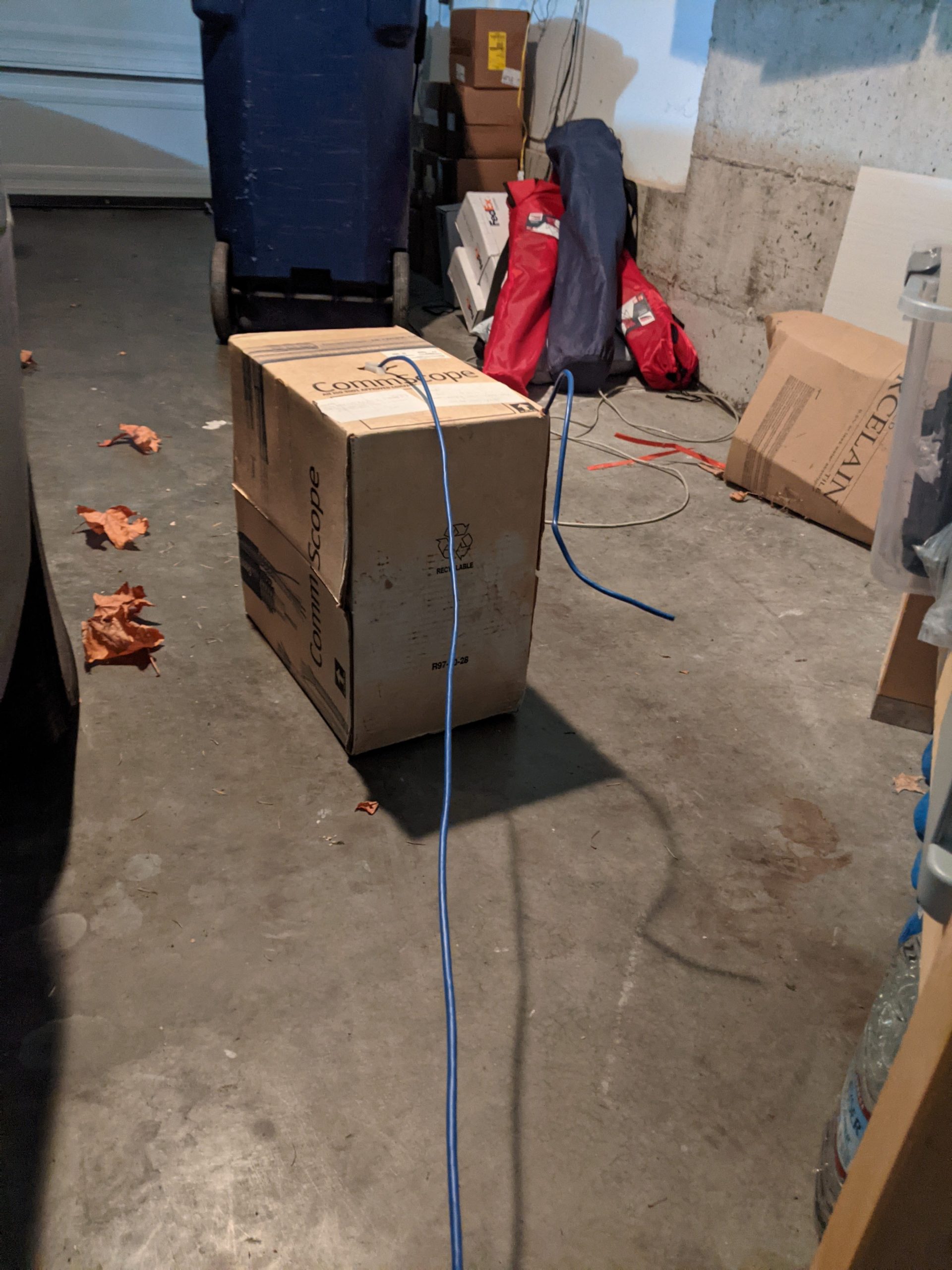
A box of ethernet cable I’d acquired from a coworker years back, for just such an occasion.

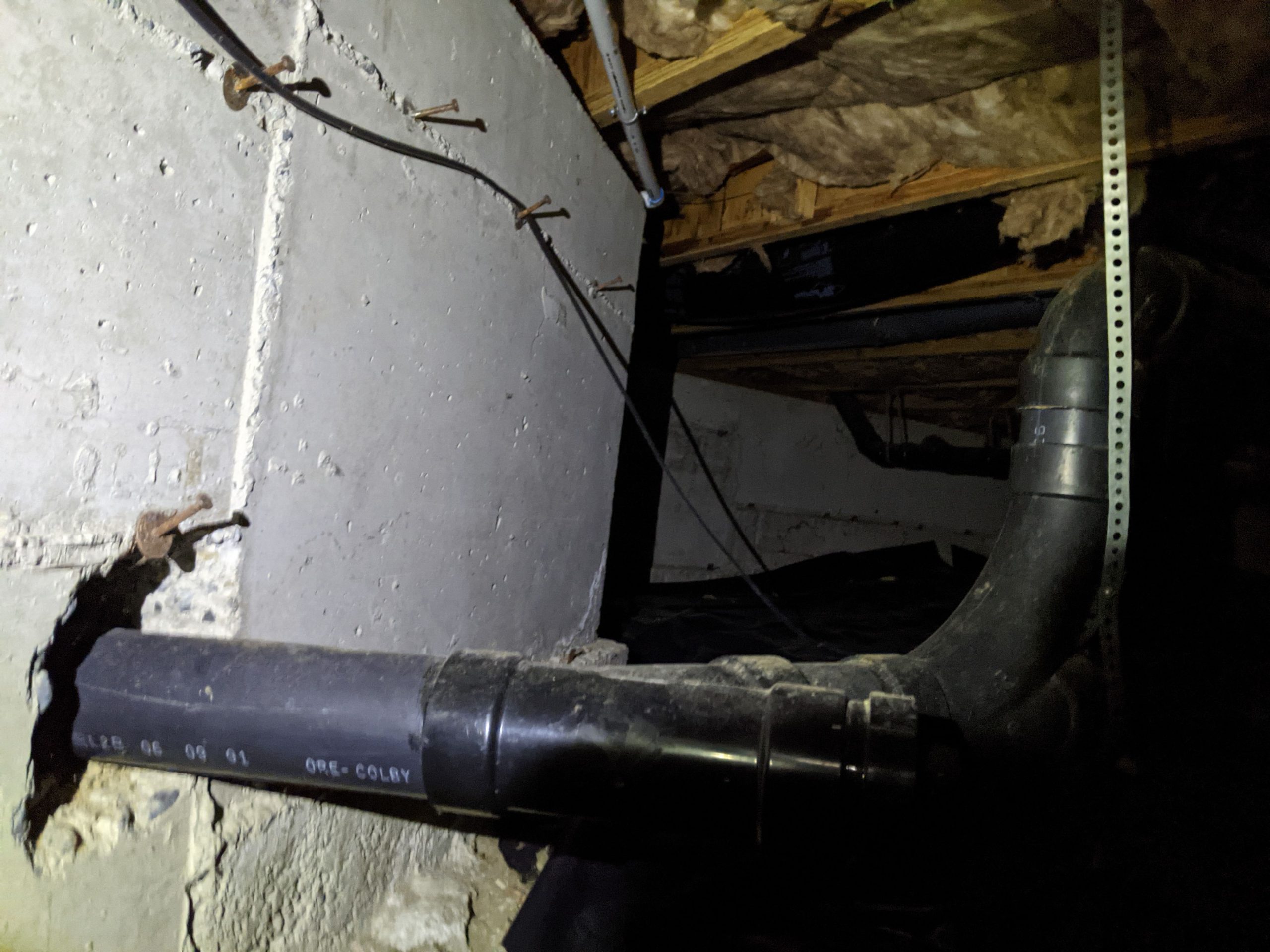
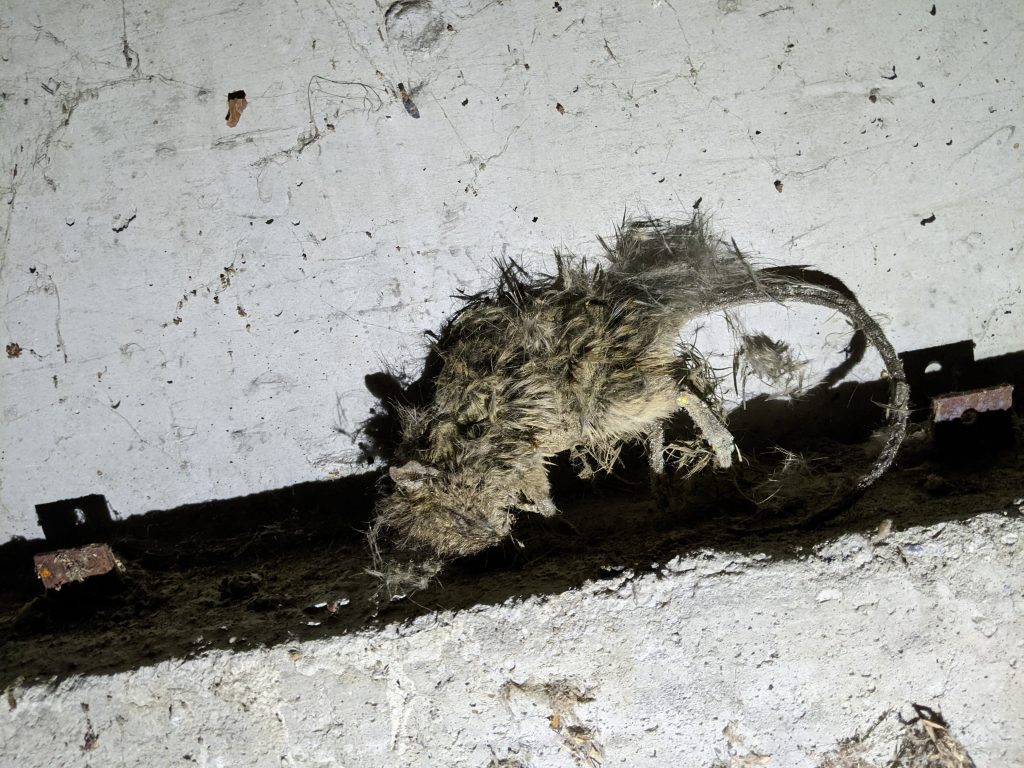
Crawled my way to the very back of the house. Met some friends along the way, including the desiccated corpse of a rat that must’ve eaten some poison and come down to die.
Reached the point where the coax went up, and… it traveled through a hole in some horizontal plywood. Dag nabbit. I could drill a second hole through the plywood and thread ethernet through it, but without opening it way up there’d be no way to get the cable routed into the box.
I found a ton of 2-foot-long small straight metal wire things down there, no idea what they were for, but they made for good makeshift tools in a pinch. I headed top-side and used a few to poke down from the hole in the box, trying to probe where the hole was that the existing cable was going through. I figured that if I could get part of the wire down where I could get at it beneath, I could tape the ethernet cable to it and pull it up through the box. But no joy. I even tried cobbling together a makeshift “ring” of sorts, attached to the metal wire and wrapped around the coax cable. Figured that would keep the wire bound to the coax on the way down to the plywood base, but it came loose every time.
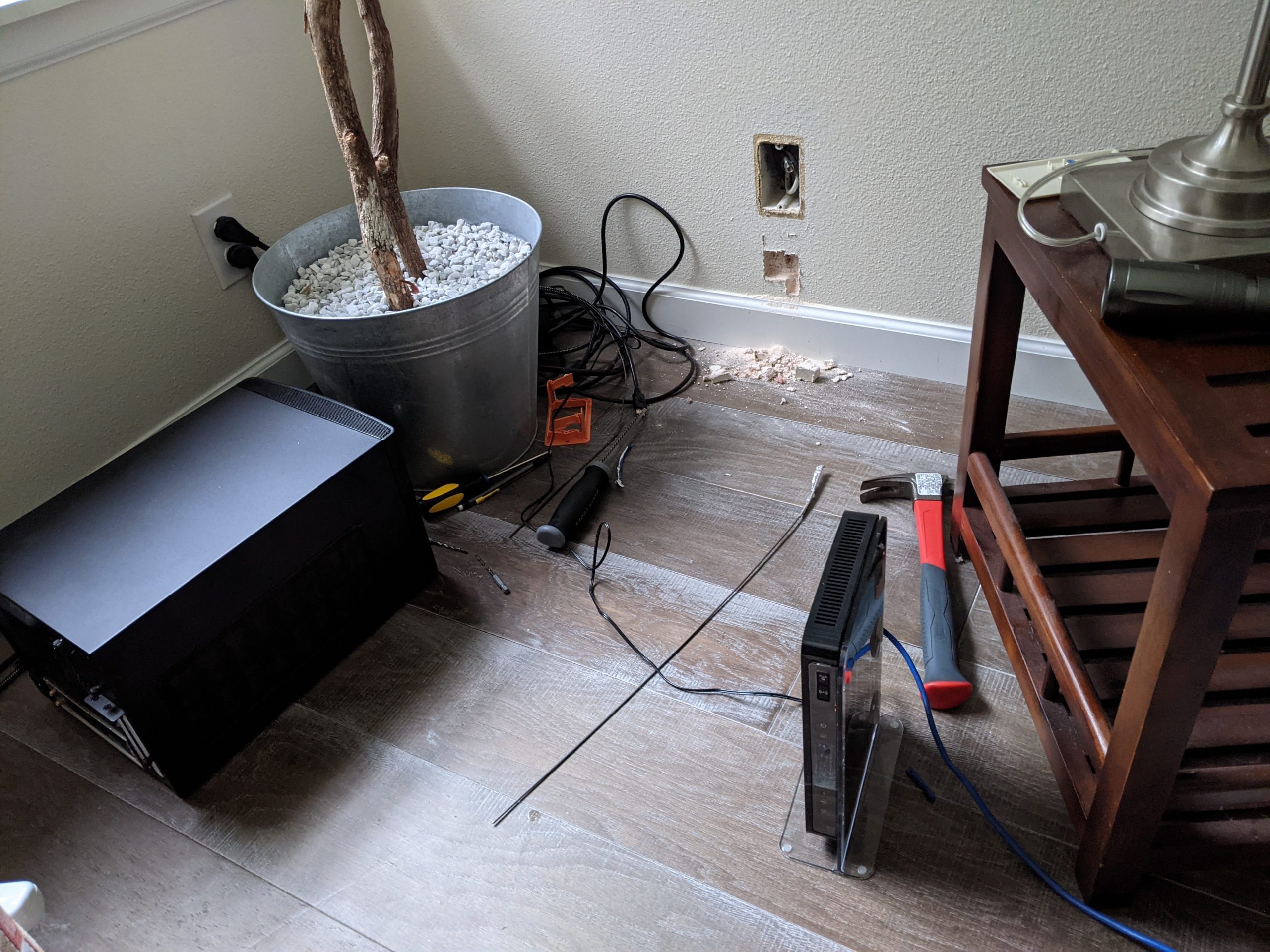
The nuclear option was to just drill through the hard-wood floor. But I really didn’t want to do that. So my next option was to move forward with cutting a hole in the drywall. I actually figured I could do it just below the existing coax wall plate, which would make it easier to get at the wire if I were to just push it up from below.
Well I got to cutting, and then hit a point where the jab saw wasn’t going in any further. I took a drill to it and came up with plywood flakes. Ugh.
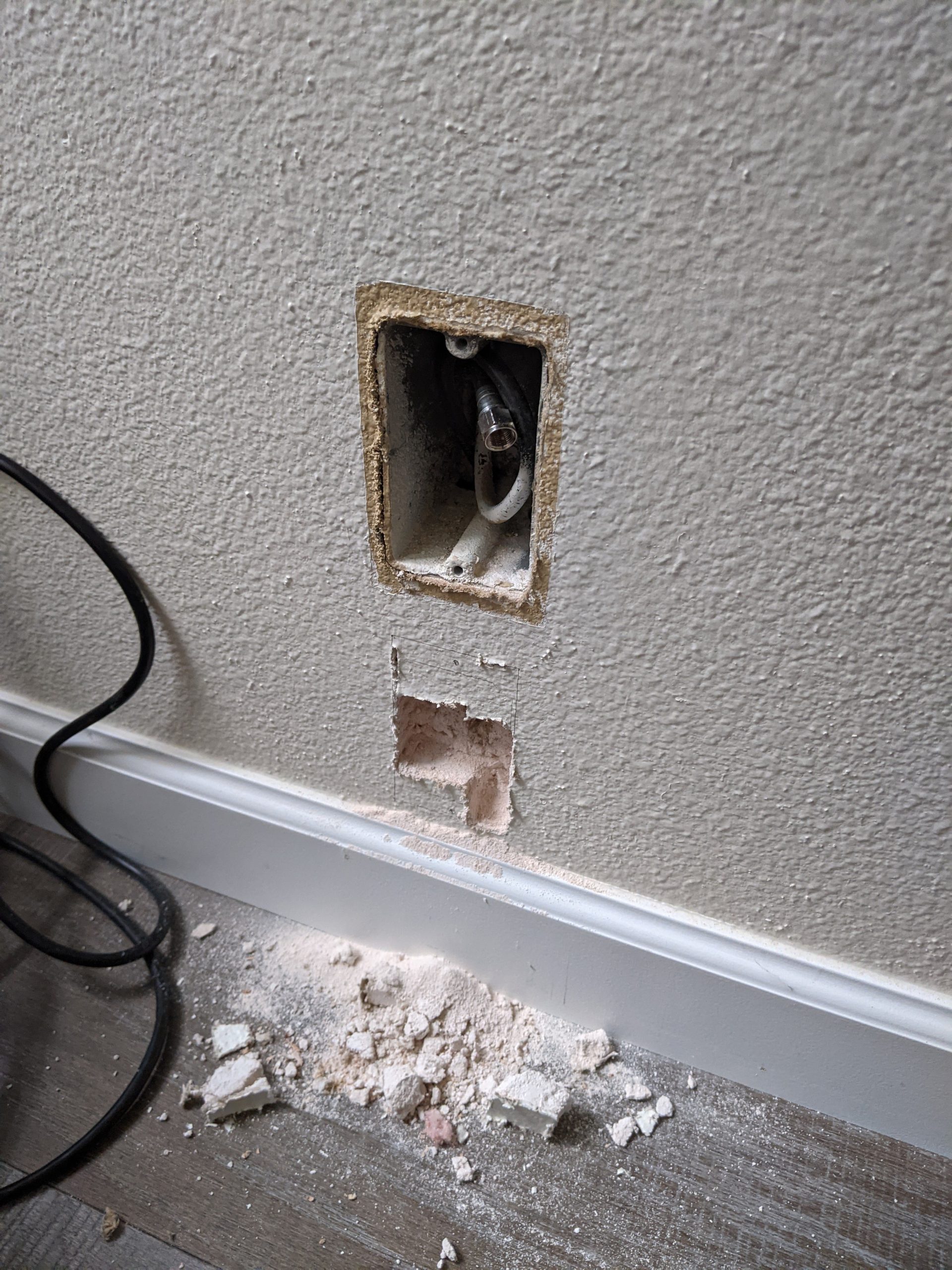
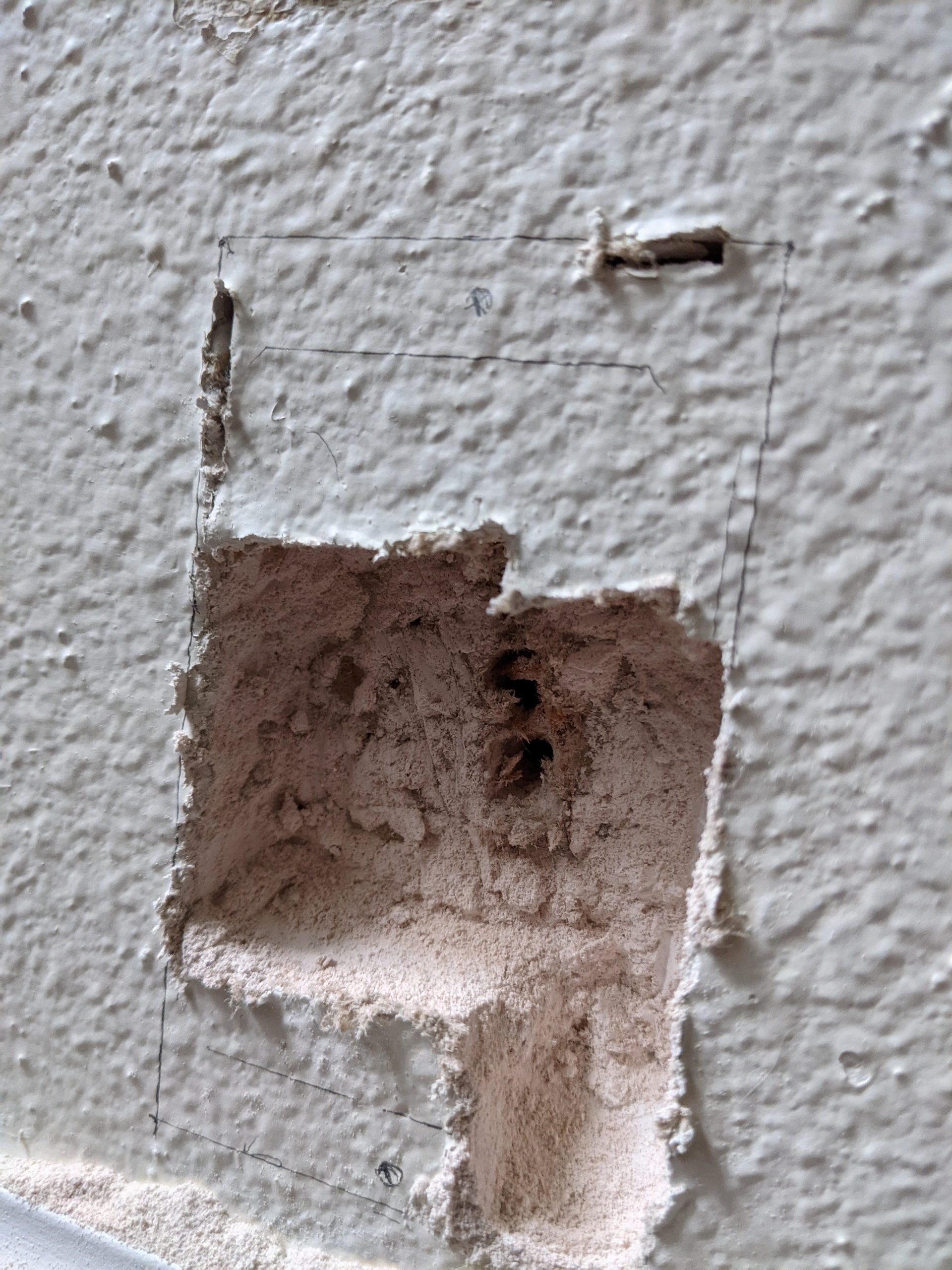
In the middle of all this not one but both of my drill batteries died. I put them on the charger but was worried because I couldn’t tell whether the blinking pattern meant “charging” or “replace batteries” – I’d obtained them all when I first moved out here four years ago, so who knows.
In the meantime I was mentally preparing to head out and rent a jigsaw the next day. I was gonna get this done, gorammit. But then, I had an epiphany. Which would’ve been nicer to have had before I started cutting, but such is life.
When I first moved in, I noticed that the prior owners must have arranged to mount the TV on the same wall I was cutting into, above where my couch is now. I had realized this because there were two holes cut in the wall: one that is up at the height one might mount a TV (now hidden by my wall hangings), and one exactly below it, at the same height as the coax cable box. These holes were meant to allow one to run cables from the TV down to the A/V equipment, but I was about to make better use of them.
I reached down behind the couch and yup, sure enough, I could fit my hand neatly through, feeling insulation. I would need my drill for the second part. I went to check on the charging situation and the battery was nice and full, woot woot.
Before I headed down, I needed to get my bearings, to know where to drill. I somehow lost track of my tape measure some time back, so I got some rope and tied a knot indicating the distance from the hole in the wall to the nearest air vent.
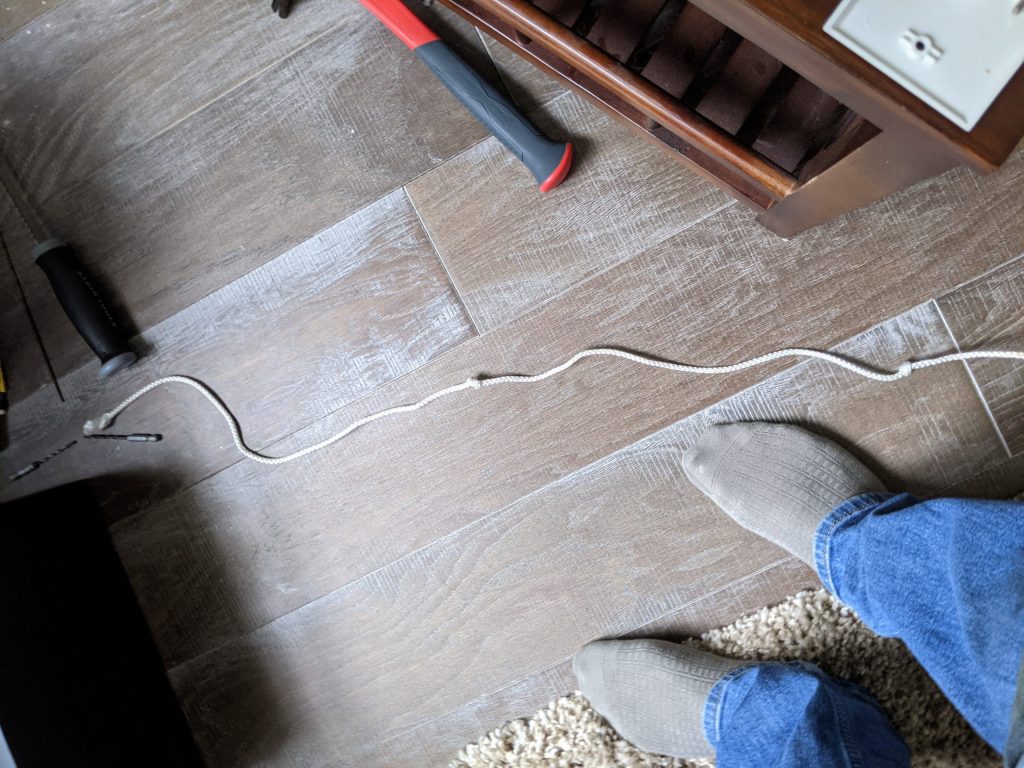
Once more unto the breach. I clambered into position, for the fifth time wishing I had knee pads. Had to free some insulation to get at the place I needed to drill, at which point I realized what those long metal thingies were being used for: trusses that held the insulation up between the floor joists. Neat.
Drilled the hole, and threaded the cable up. I realized though that that cable would likely just be flopping around in the insulation, and there’d be no way I’d get to it from above. I had an idea though. I widened the hole a bit, then used some (actual) duct tape someone left beneath the crawlspace to attach the end of the cable to one of those metal things. I then threaded the thing-and-cable assembly up through the hole, as high as it’d go.
Back out and up to the living room. I washed my hands, put a towel over the couch where I’d need to kneel on it, then reached down and stuck my hand through. Never before had I felt such a lovely thing as then: a crinkly vertical rod that had not been there before. Glad my shared wall is such a good sound insulator, might’ve woken the neighbor’s baby with my whooping 🙂
I threaded the cable down until I could get at its end, then routed it back up and through the hole. Huzzah.
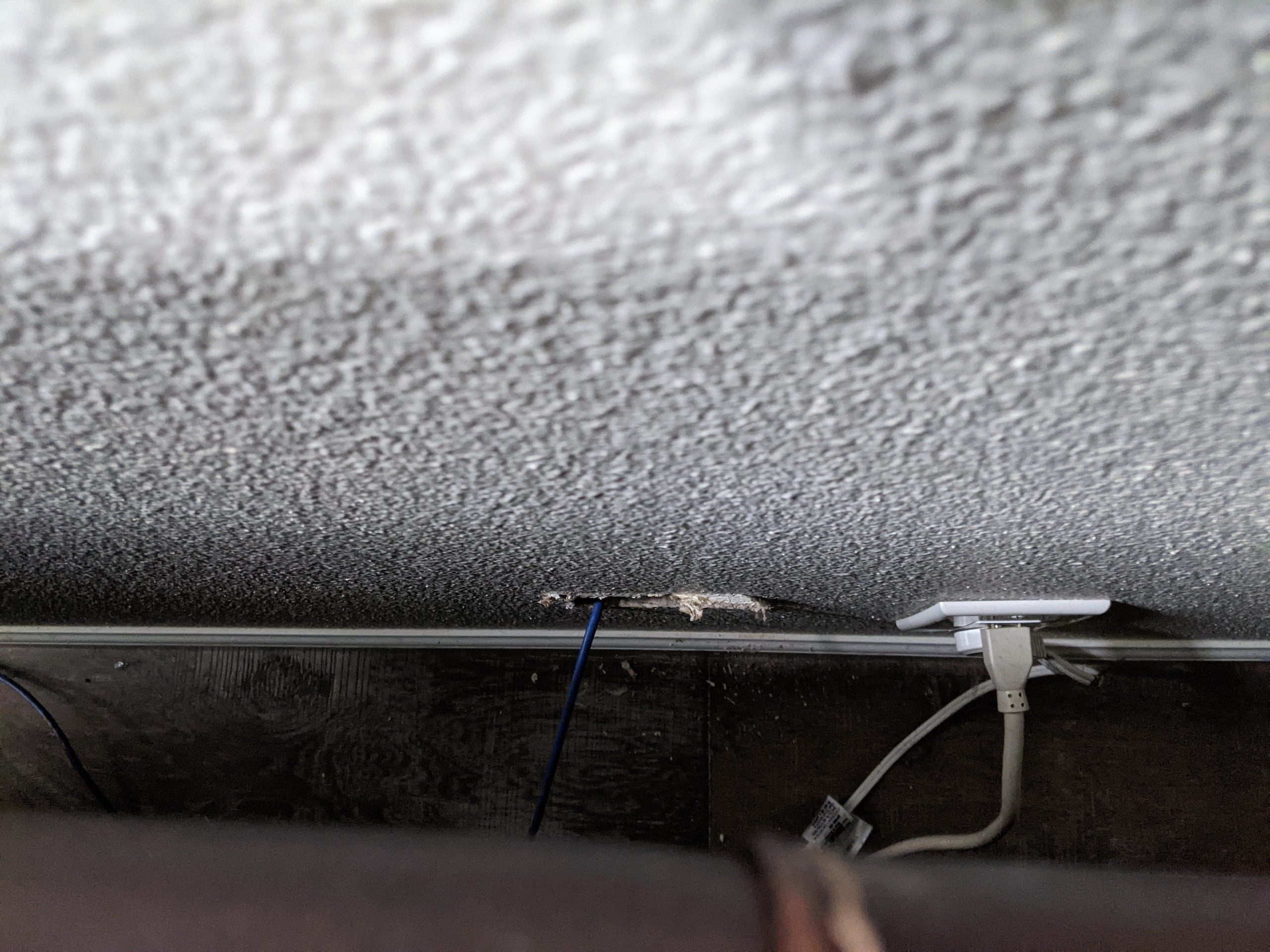

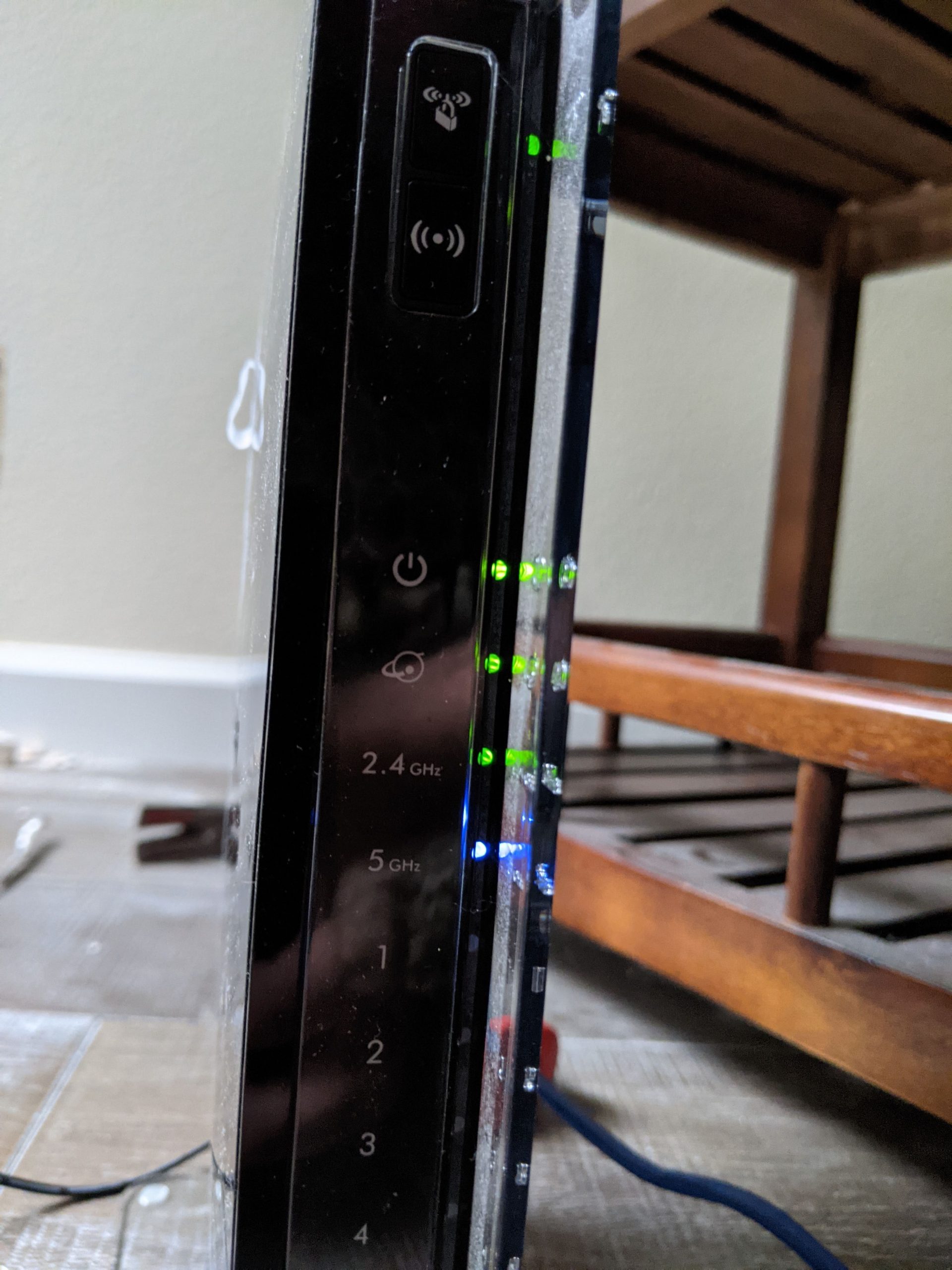
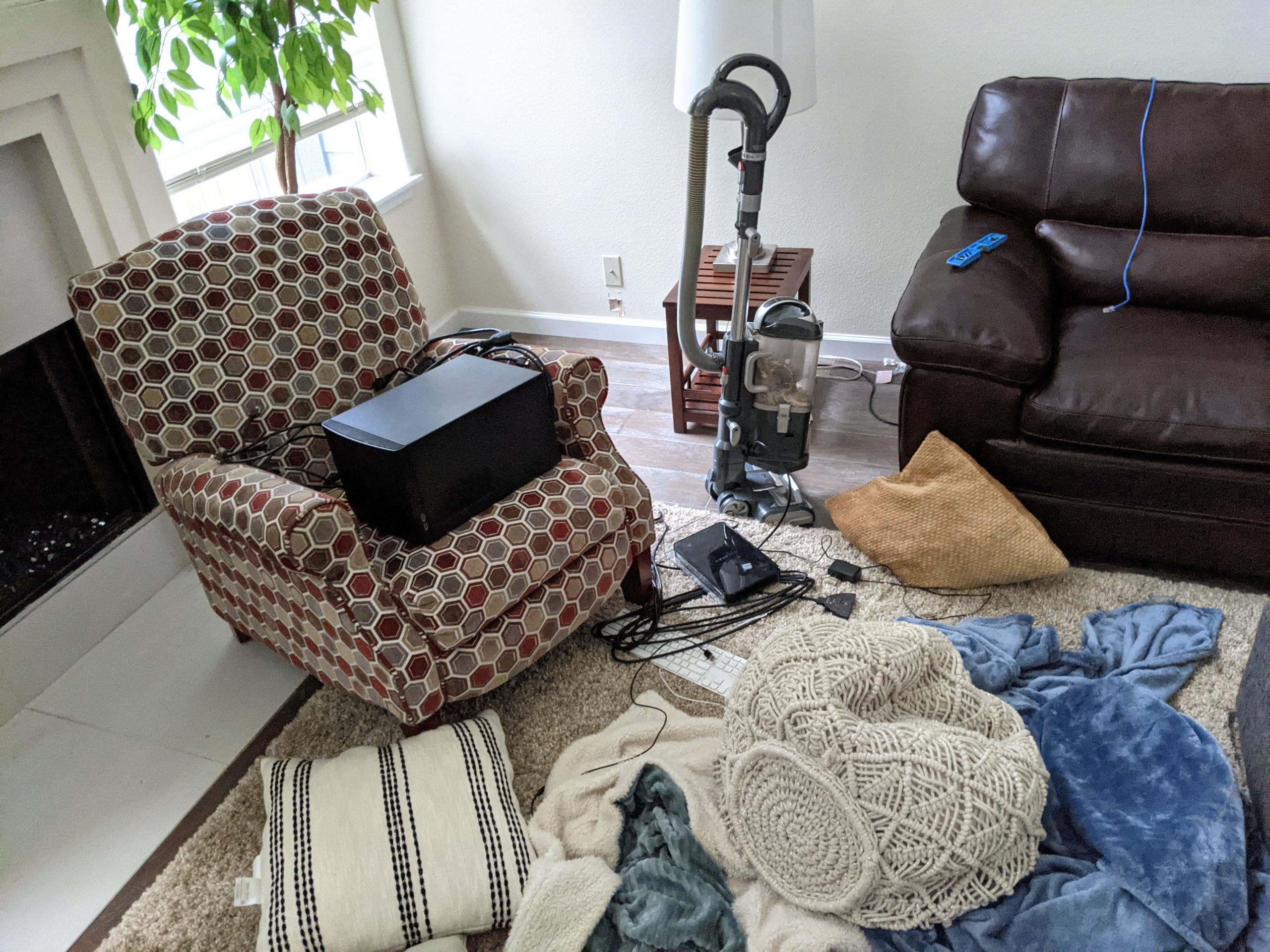
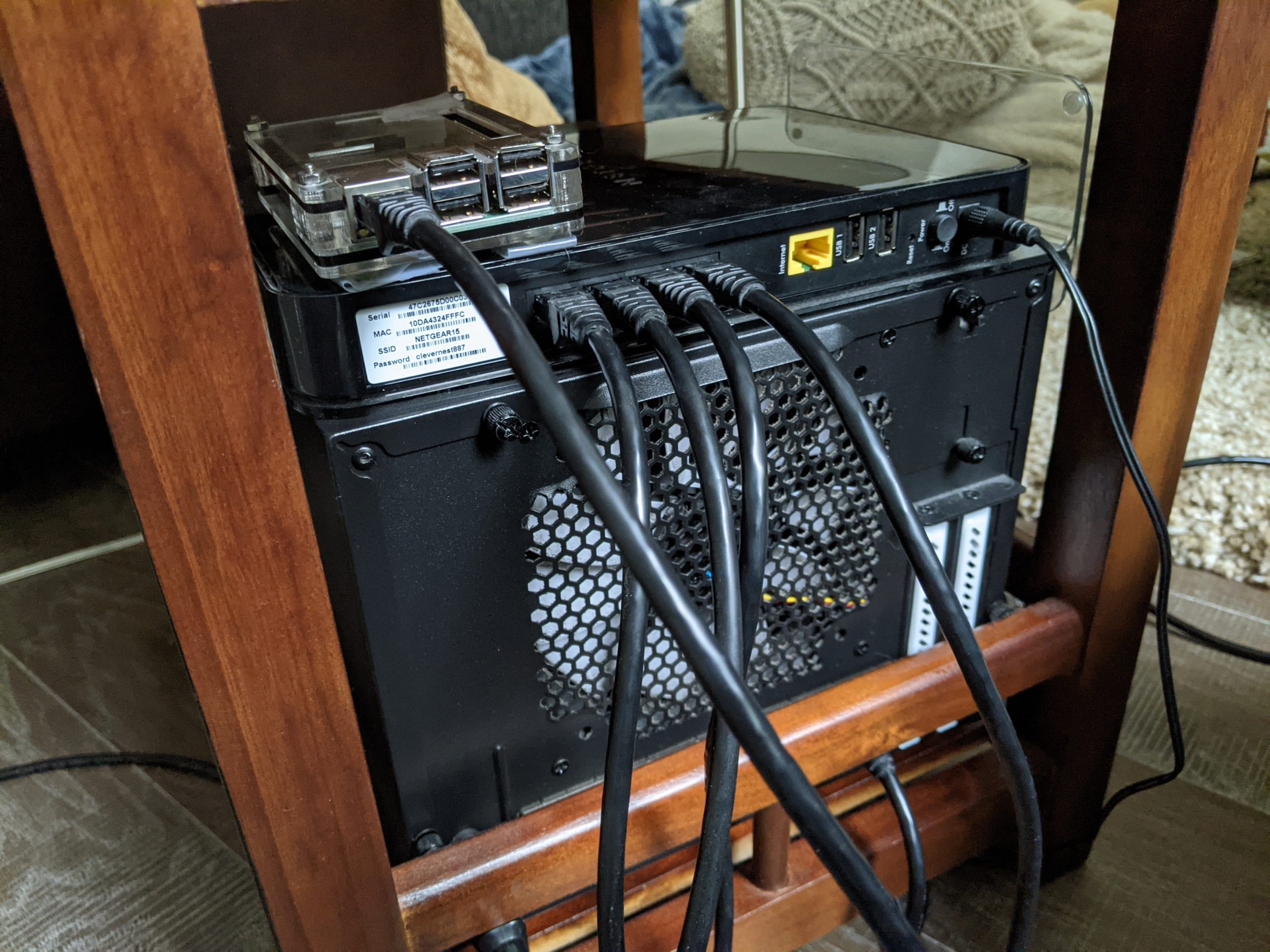
Then it was just a matter of terminating both ends, moving the router back up to the living room, turning my phone’s airplane mode on and enabling WiFi, and confirming I had a good connection. I then cleaned the area up, reassembled my little tech cabinet, and all was right with the world.
In a happy accident of timing, I happened to plug everything back in and power it up at what must’ve been like 6:57pm. At the top of the hour, all the lights in the house turned themselves on, right on schedule, first time doing that in two months.
I still need to head back down to the crawlspace and use zip ties to attach the ethernet cable to the coax cable, just to tidy things up. But that can wait till another day.
And of course I do need to find a way to repair the wall damage left over from my erstwhile attempt to carve a new hole in it. Until then it’s a badge of honor, a battle scar.
Since my home server came back online it’s been a bit of an adventure dusting it off. My HTTPS certificates have since expired, and of course my home’s IP address has changed, invalidating my existing DNS records. Couldn’t renew my HTTPS certs until the DNS records were fixed (since it uses the ACME protocol developed by LetsEncrypt which requires I prove control of an HTTP server reachable by way of the domain names I want certs for). And I was waiting on my dynamic DNS daemon to kick in and refresh my DNS records using the new IP address. But as much as I scoured I couldn’t actually find any evidence of an existing dynamic DNS config. So weird. I ended up just logging into my nameserver account and manually updating the IP addresses on all my domain names. I figure eventually something on my machine might have reached out and done the job, but I was impatient. Waited a bit for the DNS update to propagate, renewed HTTPS certs, and now my server is back in business.
(Update 09/16/20 – guess my IP address changes more frequently than before, and my machine wasn’t set up to update it dynamically. Thanks for the heads up Hayden 🙂 Got that sorted, so now my domain IP address should keep track of what my ISP is doing.)
Love y’all! Here’s hoping we can keep Lambert Park from going up in flames this season, would be such a 2020 thing to happen 🙂